
Wink: Video Enhancer & Editor
Meitu (China) Limited
Downloads
10,000,000+
Version
Latest
Click to download now, finish the installation quickly, and directly unlock the all-round experience
Screenshots
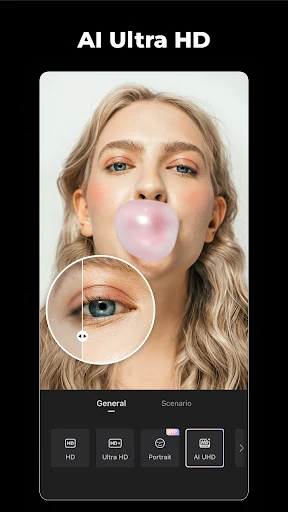
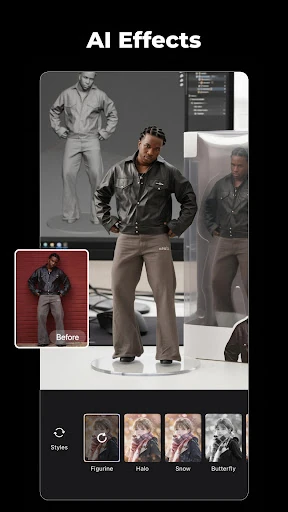
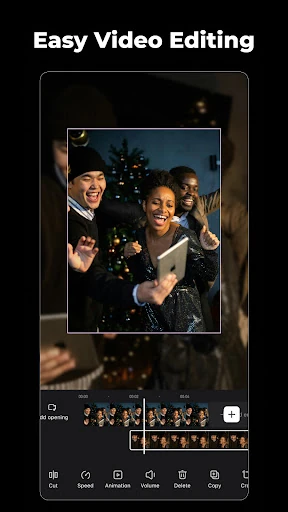
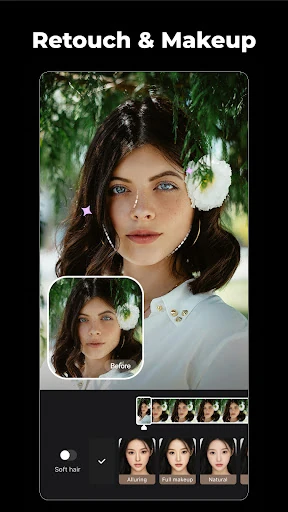
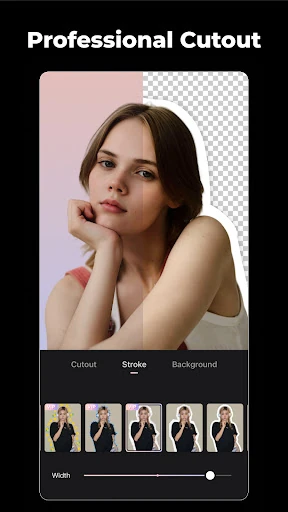
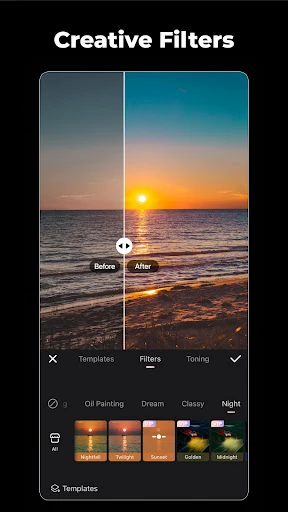
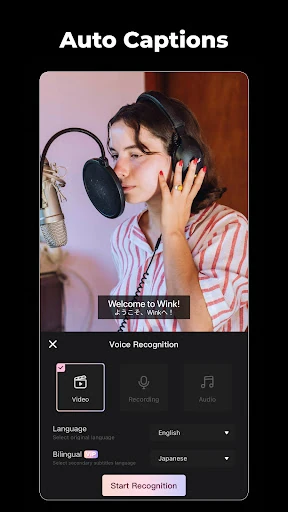
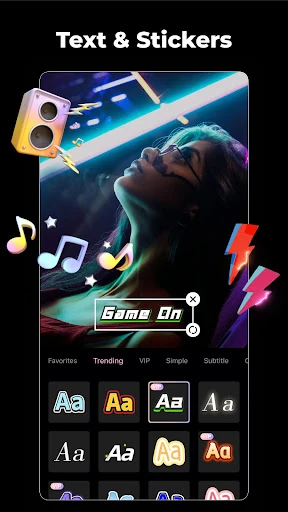
Click to download now, finish the installation quickly, and directly unlock the all-round experience
Wink: Video Enhancer & Editor is a mobile editing app for improving footage, making appearance adjustments, and preparing videos for sharing. It suits people who record on a phone but want more control over soft, noisy, poorly lit, or uneven-looking clips without moving to a desktop editor. The app is published by Meitu (China) Limited and is listed in the Video Players & Editors category.
The app includes AI-based repair and upscaling for videos that need more detail or a cleaner finish. It can also track faces and bodies while applying adjustments such as skin smoothing, reshaping, and makeup effects. These tools are aimed at creators who want consistent changes across moving footage rather than editing individual frames by hand.
Wink is a practical fit for short-form video creators, vloggers, and anyone cleaning up clips recorded in less-than-ideal conditions. Automatic captions help when videos need text on screen, while object removal and background editing can handle distractions that would otherwise require more involved masking. The creative styles are there for users who want a noticeable visual change rather than a natural correction.
With a 4.53 rating from 789,995 reviews and more than 10,000,000 installs, Wink has a substantial Android user base. Its value depends on whether you need enhancement and retouching tools alongside normal video editing; for simple trimming alone, its broader set of features may be more than necessary.