Click to download now, finish the installation quickly, and directly unlock the all-round experience
Screenshots
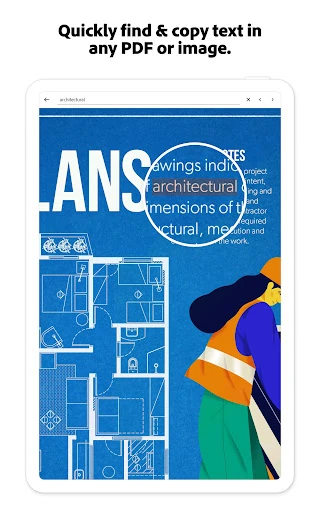
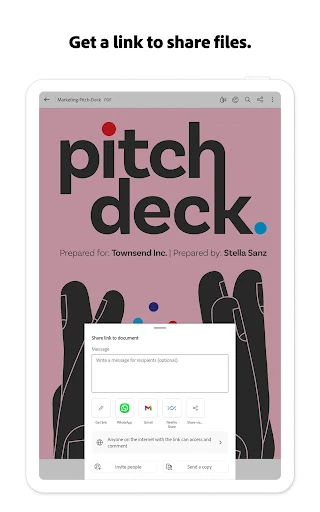
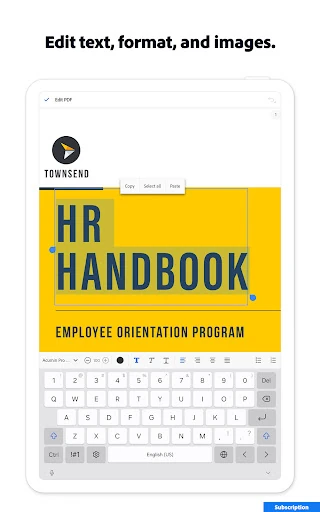
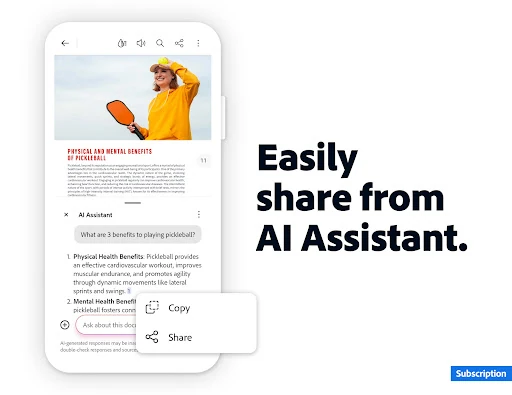
Click to download now, finish the installation quickly, and directly unlock the all-round experience
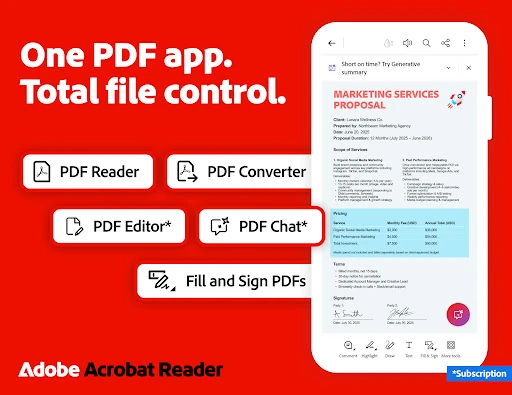
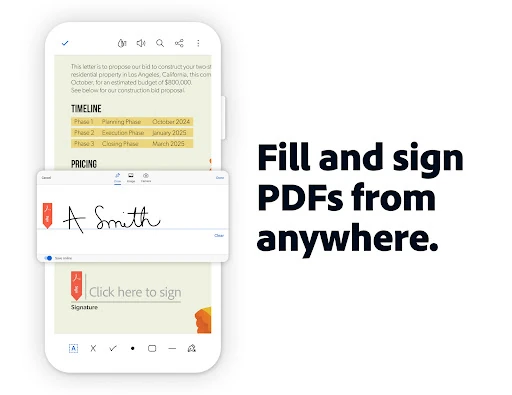
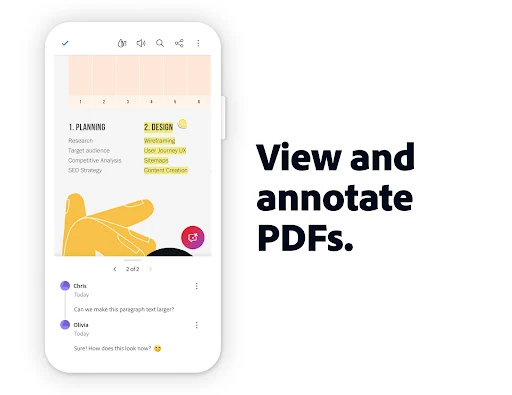
Adobe Acrobat Reader: Edit PDF is a mobile PDF reader and document tool for people who need to open, review, complete, sign, or adjust files away from a computer. It suits students, office workers, freelancers, and anyone who regularly receives forms or shared documents by email.
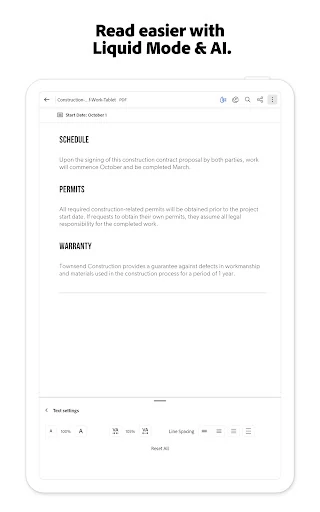
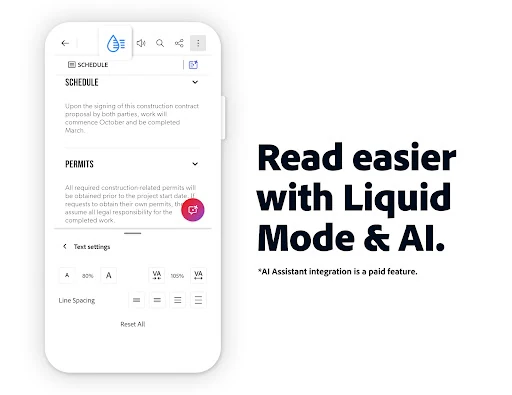
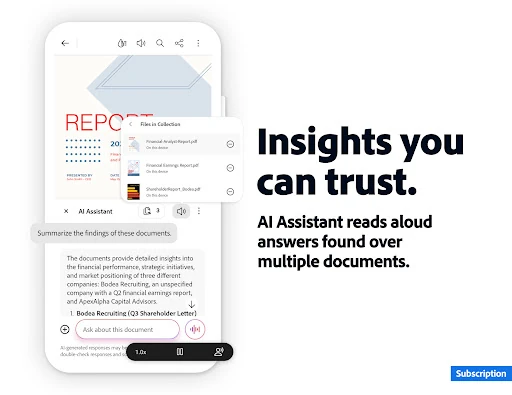
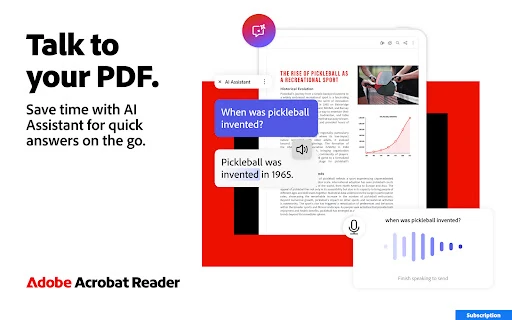
Acrobat Reader includes mobile reading features that make dense PDFs easier to use on a smaller screen. Its Liquid Mode can reflow suitable documents so text is easier to follow without constant horizontal scrolling. An AI assistant can also help summarize documents and answer questions about their contents, which is useful when you need to locate a detail before reading every page.
With a 4.48 rating from more than 7.5 million reviews and 500,000,000+ installs, this is one of the most widely used PDF apps on Android. Adobe is a practical choice when compatibility matters, especially for files created or shared through workplace and school systems. The large toolset means there is more to learn than with a basic viewer, but it earns its place for people who return to PDFs for real work rather than occasional reading.